
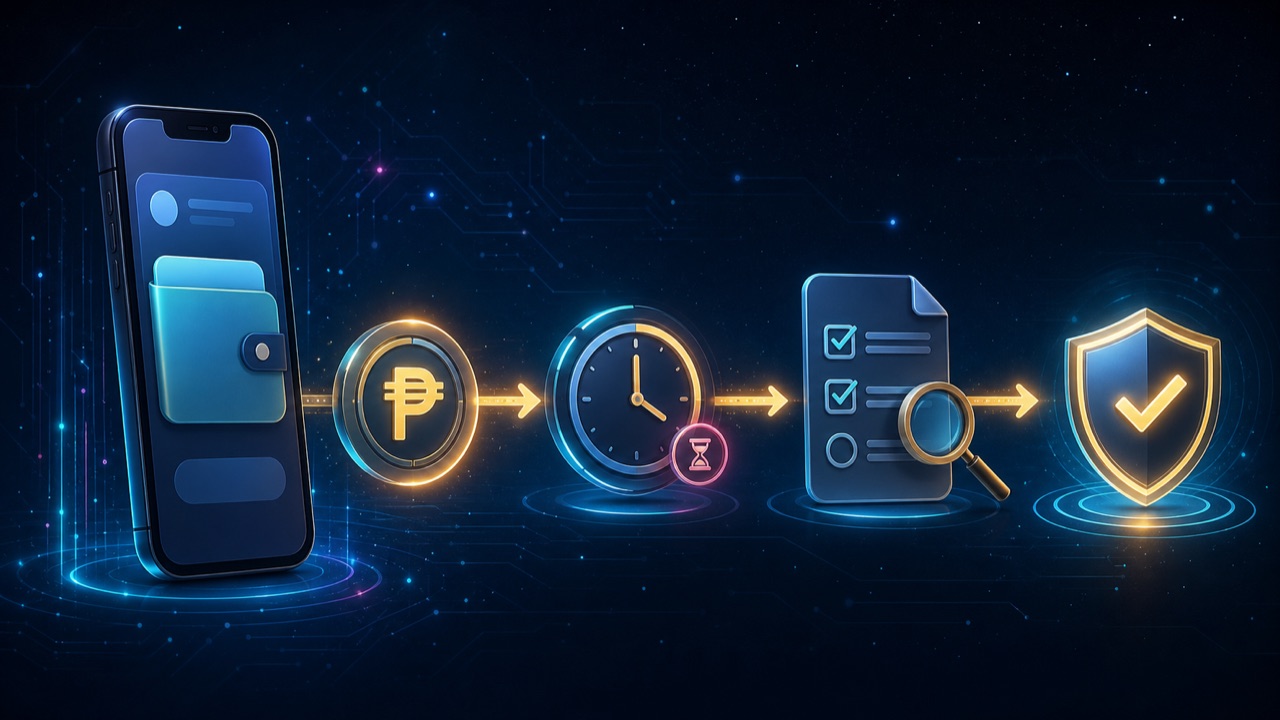
If an online account shows a withdrawal to GCash as pending, first determine where the request is waiting. It may still be inside the merchant or gaming-account review, already sent to a payment channel, or reflected in GCash but not noticed in the wallet history. Each stage has a different support owner.
Save the original withdrawal record
Keep the amount, request date and time, destination mobile number with most digits masked, withdrawal ID and current status. Save the original confirmation privately. Do not post a full wallet receipt or account profile in a public group.
Check the account-side status
- Pending or reviewing
- The request may still be inside the account service and may not have reached GCash.
- Approved or processing
- The account may have accepted the request while the payment channel is still completing it.
- Completed
- Compare the reference and time with the GCash transaction history or app inbox.
- Rejected or returned
- Read the stated reason and verify whether the balance returned before submitting again.
Review GCash records
Open the GCash app yourself and check Transactions and the app inbox. Compare the amount and time; do not rely only on a text message or screenshot sent by someone else. GCash states that recent activity is available in the app and that users can request their own older transaction history when needed.
Check destination and account details
- Confirm that the mobile number entered in the withdrawal belongs to the intended eligible wallet.
- Check whether the account name or verification status must match.
- Review the withdrawal limit, active bonus conditions and any account message.
- Do not change the destination while the existing request is under review unless official support instructs you to do so.
Contact the correct support owner
If the gaming account still shows pending, start with that account’s official support and provide the withdrawal ID. If the gaming account says completed and supplies a payment reference but GCash does not show it, preserve both records and follow GCash’s official help route inside the app. Do not open multiple tickets with different amounts or times.
Information you can share safely
A concise case normally includes the masked account identifier, amount, request time, withdrawal ID, payment reference and current status. Never share your GCash MPIN, OTP, password, full card number, recovery phrase or remote-control access. No legitimate investigation needs the secret that authorizes the wallet.
Watch for refund and release scams
Do not pay a “release fee” to a personal wallet from a private message. Do not approve a collect request to receive a payout. Verify every instruction inside the official account or GCash app, and report an unexpected debit or unauthorized transaction through the provider’s official support.
For general payout preparation, read the withdrawal and cashout checklist. If the issue is a deposit going the other direction, use the GCash deposit not credited guide.