
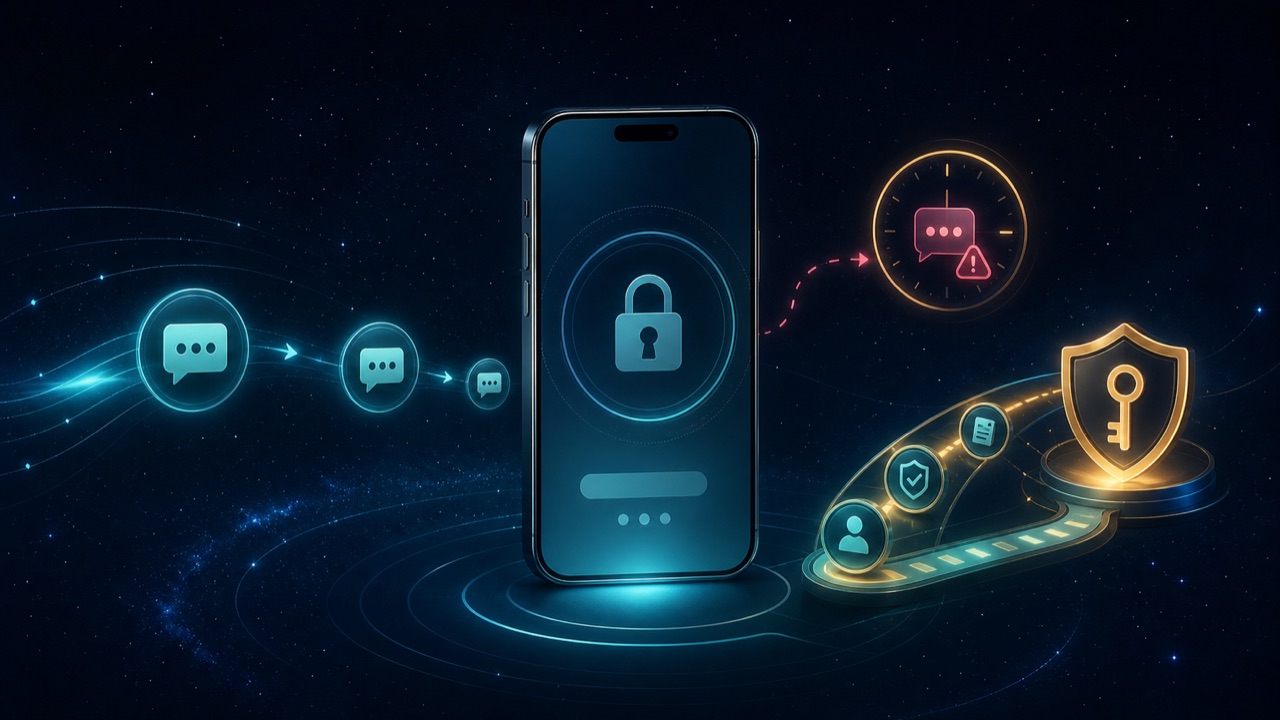
A one-time password or verification code can be delayed by weak signal, a full message inbox, device settings, carrier congestion, an incorrect registered number or repeated requests. The safest response is to verify the delivery path and wait for one current code—not to send codes to support or keep requesting new ones.
Confirm where the code should arrive
Read the account screen carefully. It may mask the registered mobile number or describe another delivery channel. If the displayed last digits are unfamiliar, stop and use official account recovery. Do not ask another person to forward a code sent to their number.
Basic delivery checks
- Check that the phone has a normal mobile signal and can receive an ordinary SMS.
- Turn airplane mode on briefly, then off, to refresh the mobile connection.
- Close and reopen the verified app or browser page.
- Restart the phone if messages remain delayed.
- Check whether the SMS inbox, spam filter or blocked-sender list is interfering.
- Confirm the app and operating system are reasonably current.
Do not stack code requests
Request one new code only after the interface allows it. A newer request may invalidate an older code, so several messages arriving out of order can cause repeated failures. Use the most recent code that matches the action you started, and never keep testing old codes.
If the code arrives late
Check the timestamp and expiry message on the screen. If it has expired, start a fresh recovery attempt from the verified site. Do not reuse a code in another chat, app or payment prompt, even if someone claims to be support.
If the registered number is unavailable
Use the service’s official account-recovery process. Be prepared to verify account ownership through the method it provides. Do not create a duplicate account or pay a third party to “change” the number. Support may ask for identifying account details, but it should not need your password, an active OTP or a wallet PIN.
When the problem is wallet-specific
An account-login OTP and a GCash transaction OTP are separate. Open the correct provider’s official app and follow its instructions. GCash’s current help guidance includes checking signal, briefly using airplane mode, reopening or updating the app, restarting the device and making sure the SMS inbox is not full for applicable login and transaction codes.
After recovery
- Set a unique password that is not reused for email or GCash.
- Review recent logins and transactions for activity you do not recognize.
- Remove unknown devices if the account provides that control.
- Keep the recovery route private and report fake support messages.
If the page itself will not open, start with the Philippines network troubleshooting checklist.